
I’d respond slowly to those quick response (QR) codes
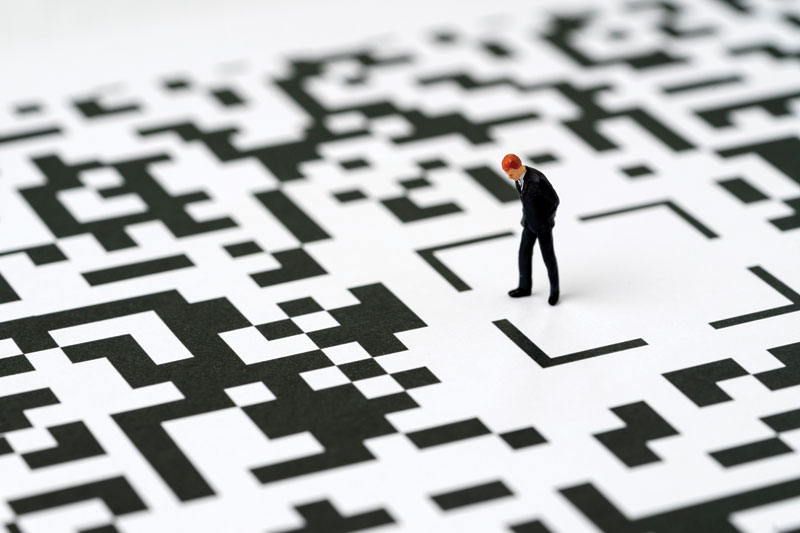
Quick Response (QR) codes are everywhere. In Canada, advertisements and posters feature them prominently. Some restaurants use them to deliver their menus, requiring patrons to pull out their phones upon taking a seat.
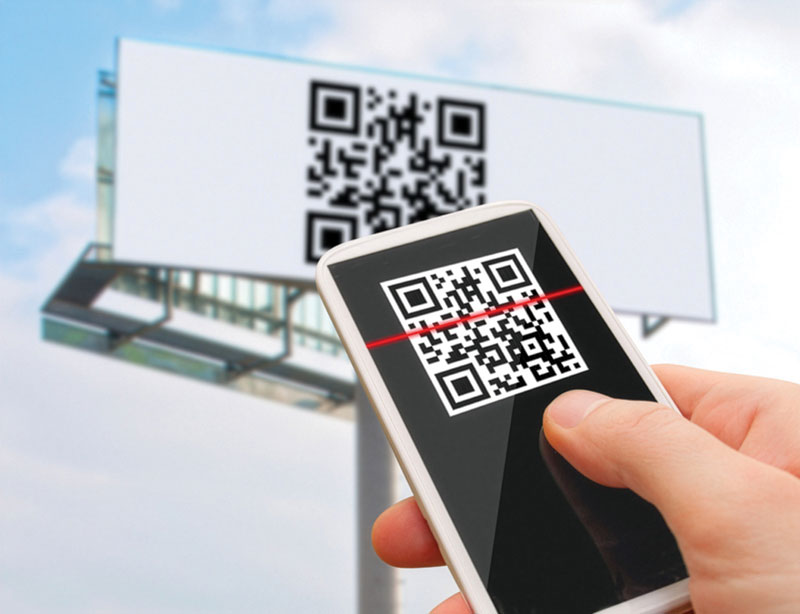
For those who don’t know, a QR code is just a graphic that points your smartphone to a specific website. Take a photograph of a QR code applied to some surface—like a sign or a poster—and your phone will take you to a specific website embedded in that code’s graphic. Easy!
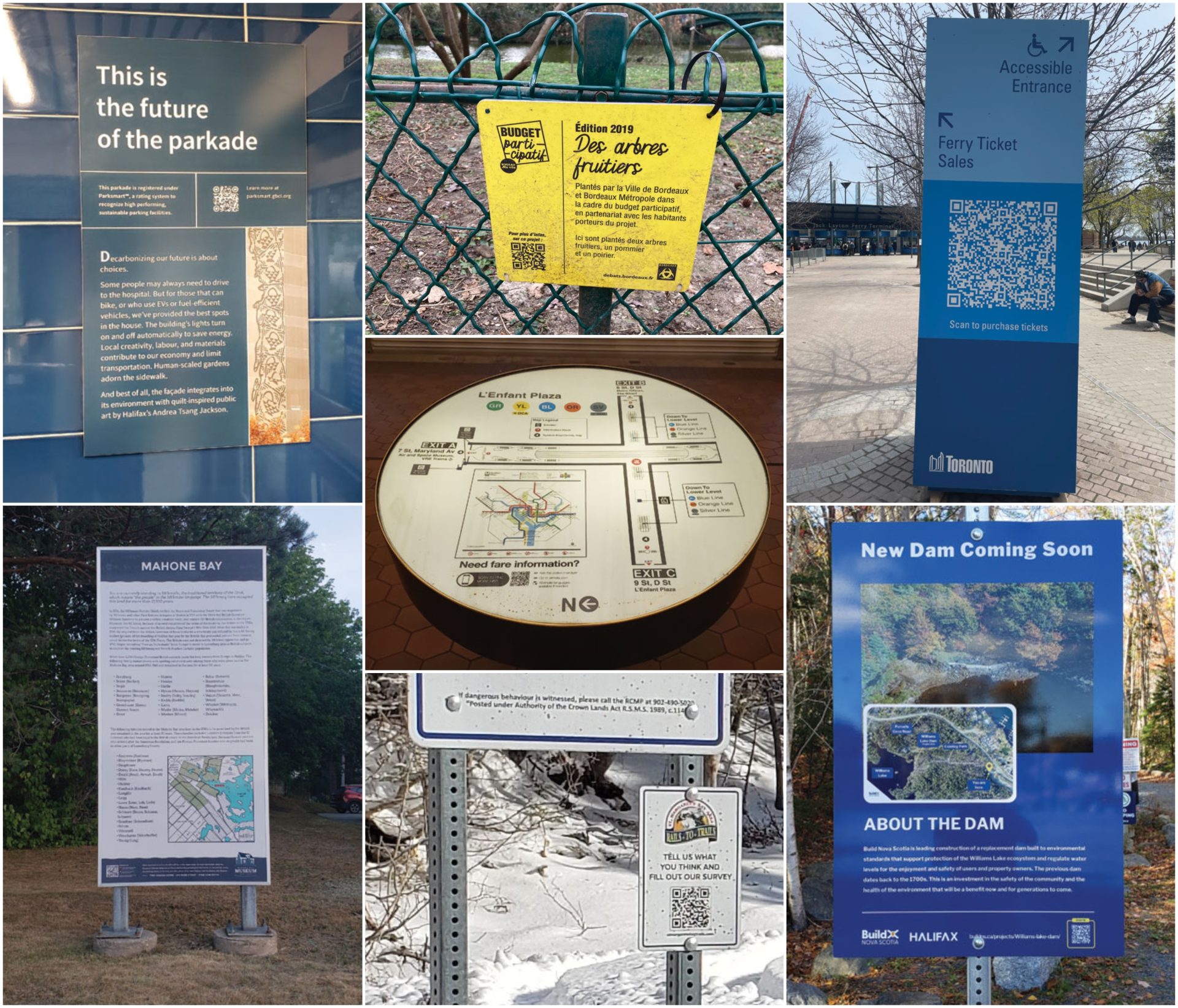
The firm I work for, Fathom Studio, designs wayfinding and interpretive signs for municipalities, hospitals, trail groups, and others. Every day, my team and I try to make the world better with thoughtful strategic signage plans and functional and beautiful sign designs. Our design process always includes discussions with our clients about what they want their signs to communicate to the public, and by what means.
Despite QR codes frequently being proposed by both clients and stakeholders in our projects, it’s rare that I recommend them as a design solution. People love the idea of hyperlinks that work in the real world as well as they do while surfing the web. But when it comes to putting QR codes on signs, the experience rarely lives up to the hype.
I’ve collected some common issues, which should give you pause before considering QR for your project or design.
Link rot/link not
Does your client have a working website today?
A user, reading a sign at a trailhead, notes a QR code that will take her to more information. But when she scans the code with her phone, she gets a 404 error saying the website doesn’t exist. This scenario is all too common: many QR links I test on signs in the real world are broken. I just tried a QR code on a well-designed trail map sign built in 2025—just one year ago—and the link was already broken.
Each QR code requires a website for effectiveness. If a website doesn’t exist today, won’t exist for a while, or if there isn’t a long-term commitment to maintaining a working link to regularly updated information, I cannot recommend adding a QR code to a sign design. The likelihood of a QR code pointing to a broken link is very high.
Changing technology
Most of us have been scanning QR codes on our mobile phones for about six years: not long.
QR code technology was invented in 1994 for scanning and tracking auto parts by Japanese manufacturer Denso Wave. The codes took a long time to catch on for other uses. In the early 2000s, QR codes were often touted as the next big thing, but it took a long time before users actually scanned them, except as a niche activity by a few tech-obsessed people. In 2012, a joke blog, Pictures of People Scanning QR-codes, featured exactly zero posts1: the joke being that despite an army of marketers promoting the technology, no one actually ever scanned a code in the real world in 2012.
In 2020, everything changed because of two things that happened at about the same time. The first change was that most mobile phones finally shipped with QR code readers by default—you no longer needed to download a special app or enable special features on your phone. The second was the COVID pandemic: QR scanning rates went up overnight. Fear of infection during the height of COVID made QR adoption rapid: restaurants used them for menus you didn’t have to touch. Now, scanning a menu has declined in popularity, but nevertheless, QR code use seems to be up everywhere else, such as on various outdoor media: on ads, posters, windows, and signs.
But a heightened level of broad QR use isn’t, by itself, a reason to put codes on signs. Technology changes every few years. A municipal park or trail sign may be in the ground in 10-20 years. QR code reading requires four elements: a QR code + a scanning app + a smartphone + a website. Will all four elements still work together in 2046? In contrast, a no-tech sign can still do its job quite well when there’s no network, no power, and even when users don’t have mobile phones.
Also, we don’t know much about the rate of scanning by users. How many people read your sign today? Of all the people who read it, how many also scanned the code to find out more?
Network effects
A trailhead sign in the wilderness (with no network connectivity) offers its message in the rain, sleet, snow, and hail. In contrast, reading web content requires a mobile phone and a working network connection. QR codes are useless when there is poor network connectivity. For this reason, QR codes should never be used to deliver important information in remote areas, such as behavioural or regulatory information.
If the information is actually important to users—like “watch for bears”—just put it on the sign.
Quishing
QR codes on signs are easily replaced with stickers, which can point users to nefarious websites against their will. This is called “quishing” in the cybersecurity world, and Canada has already seen many cases. Unlike in retail and restaurant environments with staff around all the time, signs are installed in city parks and on trails, where they are mostly unobserved. Such signs are rarely checked by their owners, and a fake QR code can be slapped on top of the existing QR code and left in place for months or years before it’s discovered. This puts your users at unnecessary risk for little reward.
It’s worth pointing out that this is a risk even if your sign graphics don’t include a QR code: it is possible for someone to put a sticker with a nefarious QR code onto any sign, poster, or billboard. Nevertheless, it’s easier to do this to replace an existing QR code in a nicely cordoned-off area of the sign’s graphic layout.
Stonewalling
QR codes can be a delay strategy for institutions that would prefer not to debate important issues and come to a decision. Instead of deciding now what information is important to communicate to visitors, “let’s just put a QR code on the sign and decide what to write later.” In my experience, this rarely happens as planned: important decisions are left undecided for a long time, possibly forever.
Creating artwork for a real sign that is going to be printed, fabricated, and installed prevents this delay tactic: the institution must approve the artwork, including every word and graphic in it. This pressure to review, deliberate, and sign off on a final layout is a good thing for clients, forcing them to decide and execute the project.
Clutter
Signs have to deliver a lot of messages, usually quickly, while people are on the move—by bike, on foot, or in cars. QR codes increase the visual clutter and often detract from the effectiveness of a sign, which already communicates lots of information. I am routinely fascinated by QR codes designed into billboards facing busy roadways. These encourage drivers to pick up their phones while driving!
Disappointment
Even when QR codes work properly, it may disappoint users when the information presented online could simply have been applied to the sign. If the information is stable—it doesn’t change periodically—if it’s simple to communicate, and readily applied to the sign that people can read right now, why would you make them scan with their phone? Put another way, if users aren’t inspired by the message on your sign, what would motivate them to take out their phone and scan your code for extra information?
Possibility
I’ve made my appeal. Perhaps you have some of the following things in place, and QR codes are worth considering:
- Your client already has a working website, which they frequently update and maintain well. The sign program they are considering could increase engagement with the useful information they already provide online.
- Your client’s website presents useful in-depth information that would be interesting to a large number of users, and would provide additional information, interactivity, or a call to action.
- The sign you are installing is temporary, part of a campaign with a beginning and end—an election sign that takes you to a candidate’s platform, a for-sale sign on a house that connects people to a real estate listing, restaurants pointing people to the up-to-date menu.
- You install signs in a place where it would be hard to meddle with them, or where they are regularly checked and maintained.
- The sign will be in a place with a reliable Wi-Fi or
mobile signal. - There’s an opportunity to increase the accessibility or inclusivity of the information on the sign: e.g., alternatives in American Sign Language, translation to other languages.
These are great reasons to consider the technology—but even with the above in place, please keep in mind that fundamentally every sign needs to do two things: it (1) grabs people’s attention, and (2) communicates important ideas. Providing a QR code should never diminish or delegate both of those things to a code that people might or might not scan. I’d always make sure your sign is great, even for those unwilling, unable, or uninterested in scanning that QR code.
Note
1 See Pictures of People Scanning QR-codes here: https://picturesofpeoplescanningqrcodes.tumblr.com/
Adam Fine is a planner with a unique passion—signs. He has helped organizations improve their public spaces and rights-of-way with better signage. In concert with his colleagues at Fathom Studio, Fine has worked on interpretive and wayfinding plans for all kinds of clients: municipalities large and small, trail groups, Parks Canada, provincial parks departments, and universities and college campuses.

Sign up for our newsletter
Featuring breaking news from Canada's sign and graphics industry.
Products


Read the Latest Issue
